Say goodbye to boring new tabs

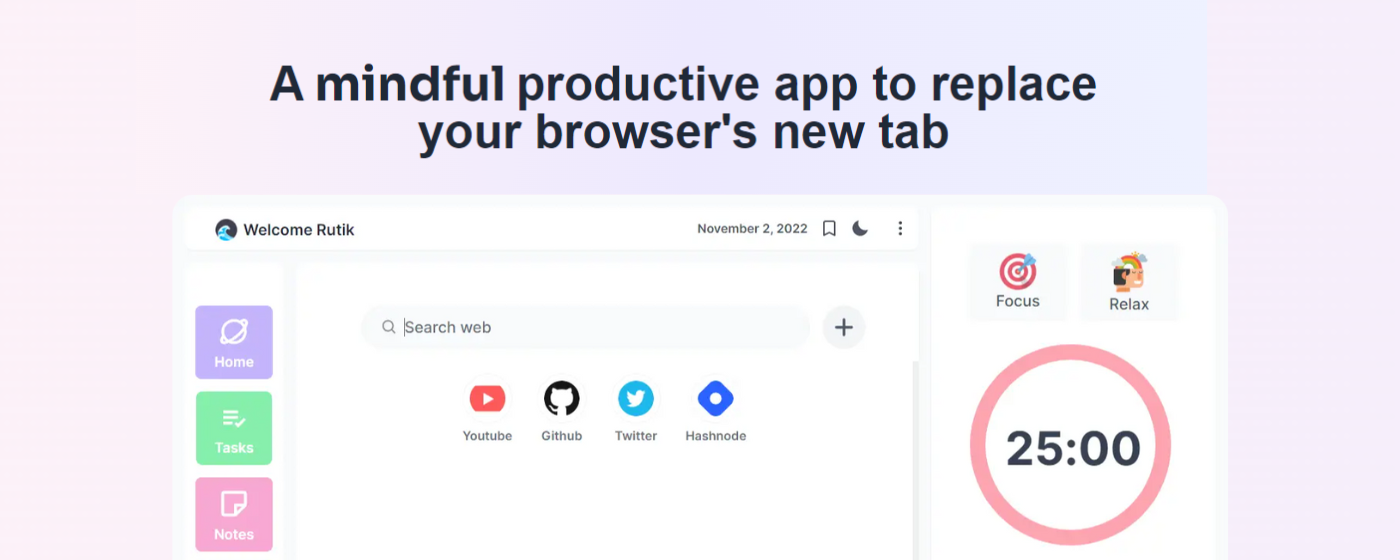
Finally, the wait is over. Last year I built and launched Tabwave, a mindful productivity chrome extension that replaces your browser's new tab. It has been my passion project for a long time. And now it has become even more mindful and beautiful.
After lots of procrastination and the constant urge to make it perfect, Introducing the new Tabwave.
✨ So what's new?
A more clean and beautiful user interface
I have always tried to make Tabwave look good. The first version needed lots of fine-tuning and polishing. Over time I got better at understanding UI and wanted to reflect it in Tabwave.
Drag and drop tasks
This was one of the most requested features. So now you can drag and drop your tasks to mark them as completed. Also, you can sort tasks based on your priority.
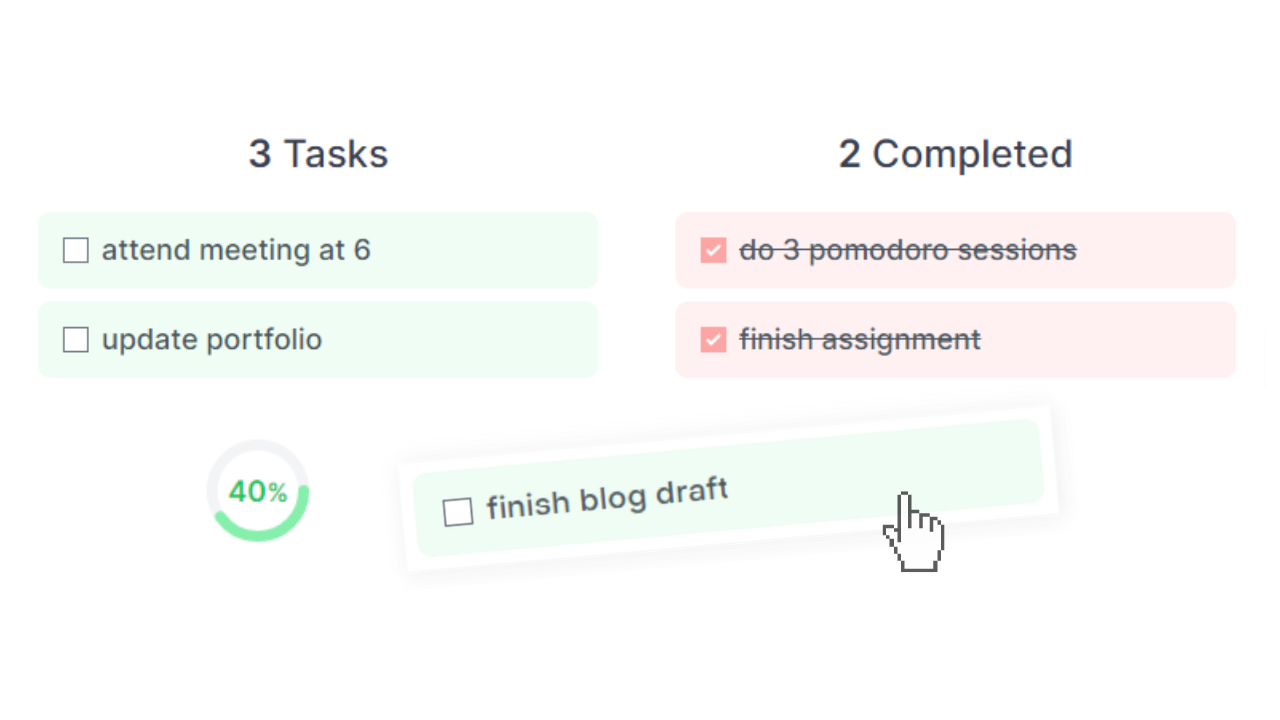
It also shows the percentage of your finished tasks that will motivate you to get things done.
Notes are now editable
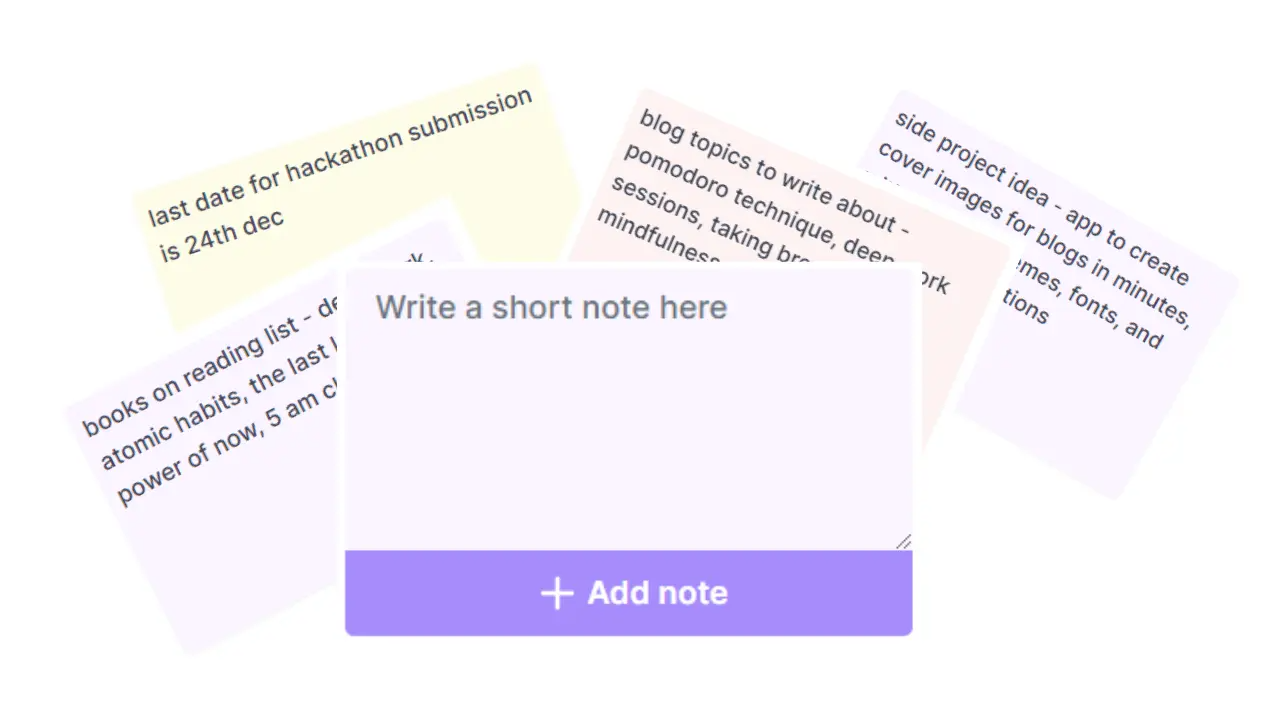
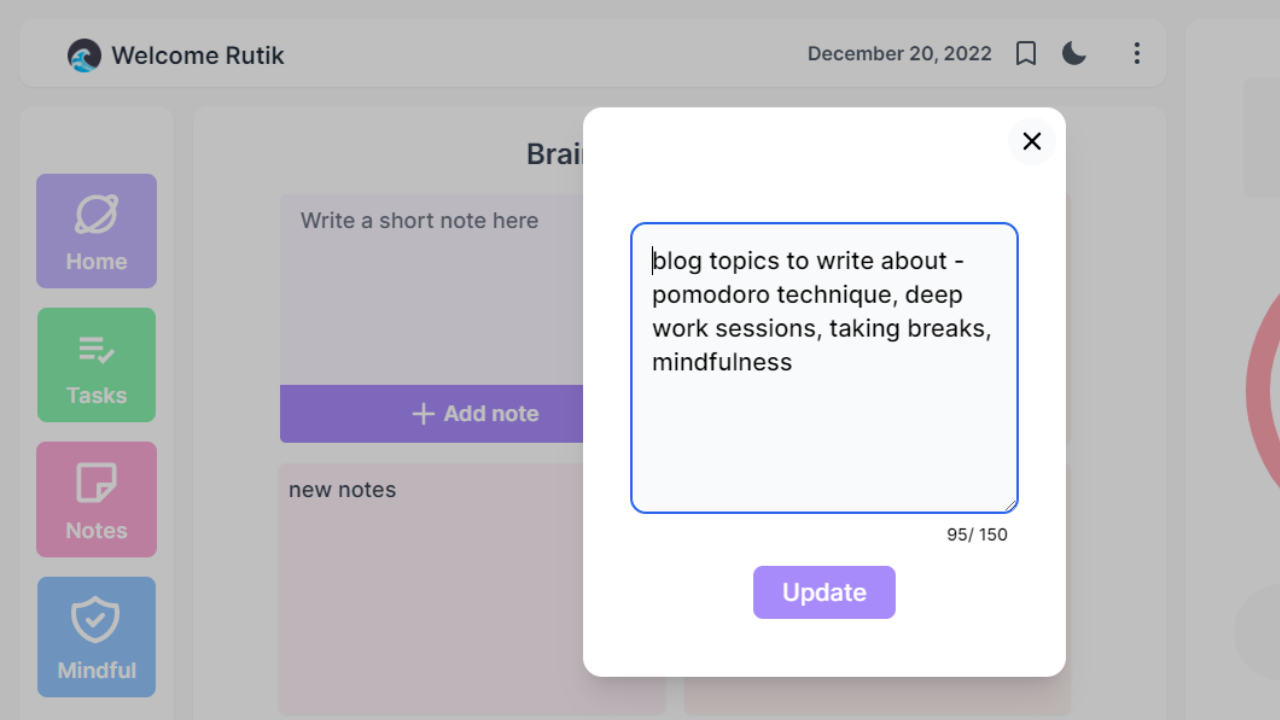
With Tabwave, you can create short notes to map down your ideas. And now you can even edit them.
Pomodoro radial timer and settings
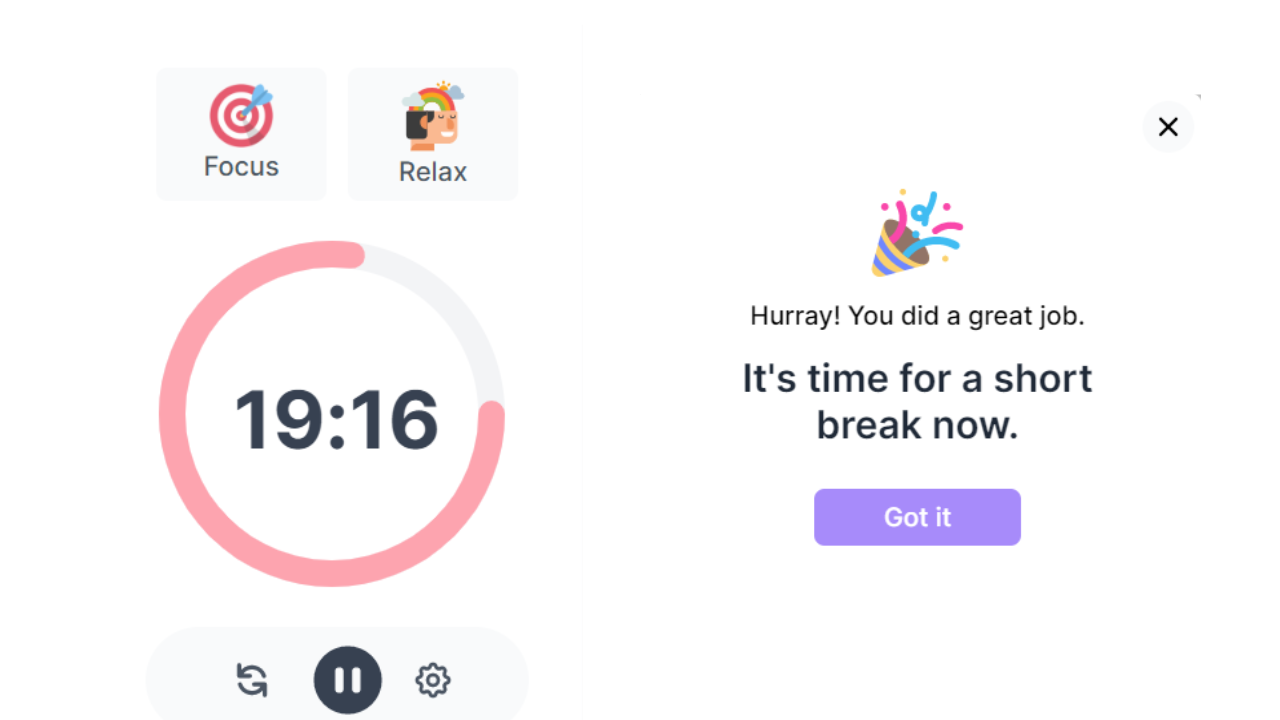
I love the Pomodoro technique so this is the most improved feature of Tabwave. Now it shows an interactive radial timer to display the progress.
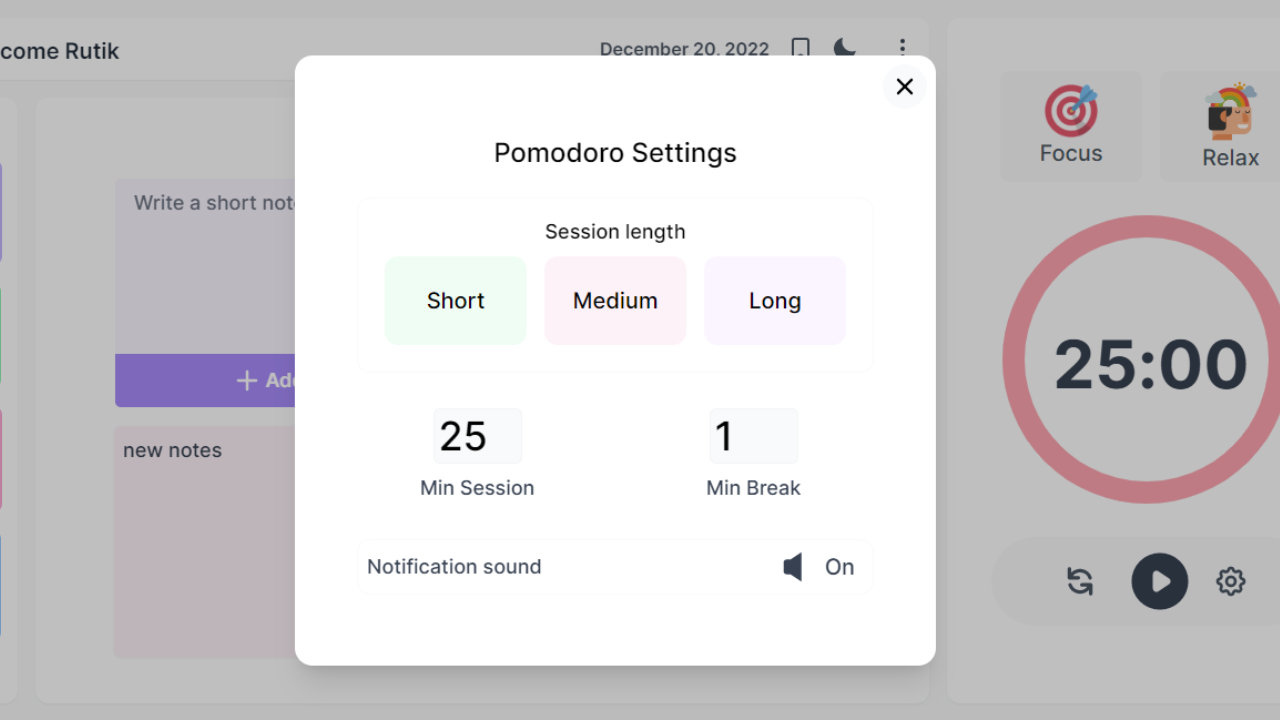
More settings for your pomodoro sessions
Notifications
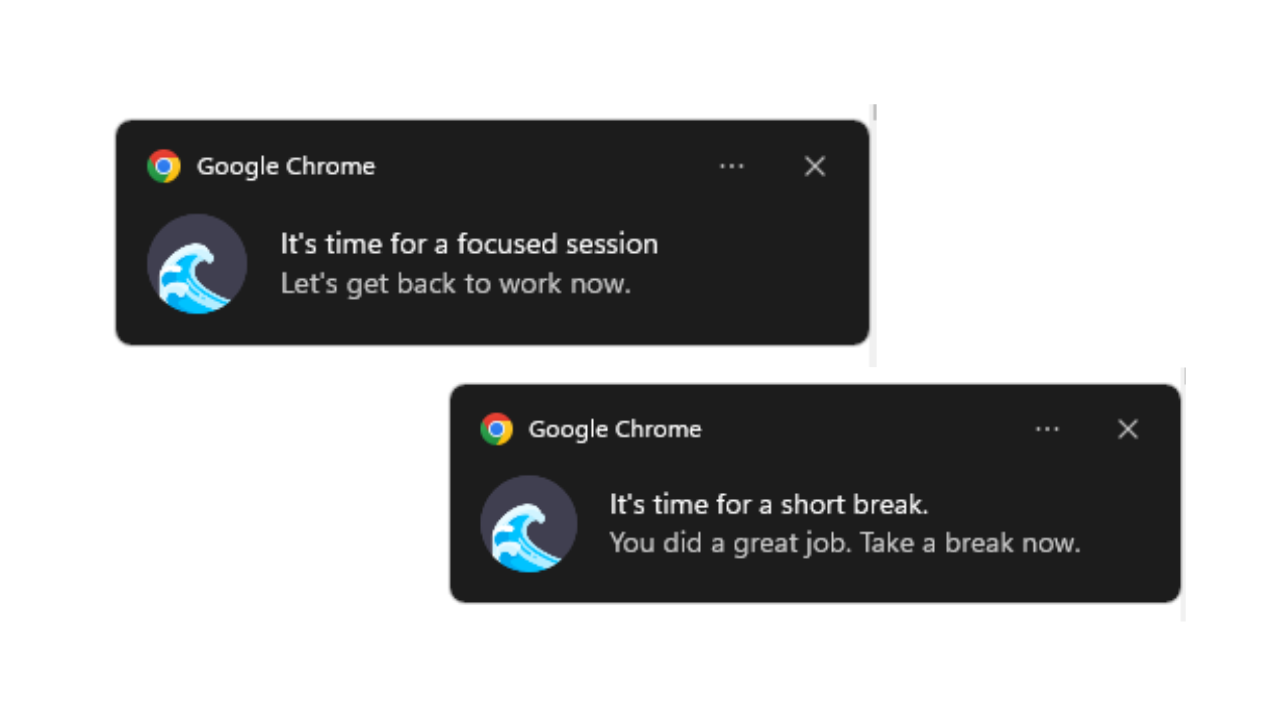
Earlier when the session ends, a notification sound and a popup in the background were the only way to notify. But now the pomodoro clock has an in-built notification system. You will get notified about the sessions even if you are not on the chrome browser.
Block distractions
Mindfulness is the basic human ability to be fully present, and aware of where we are and what we're doing.
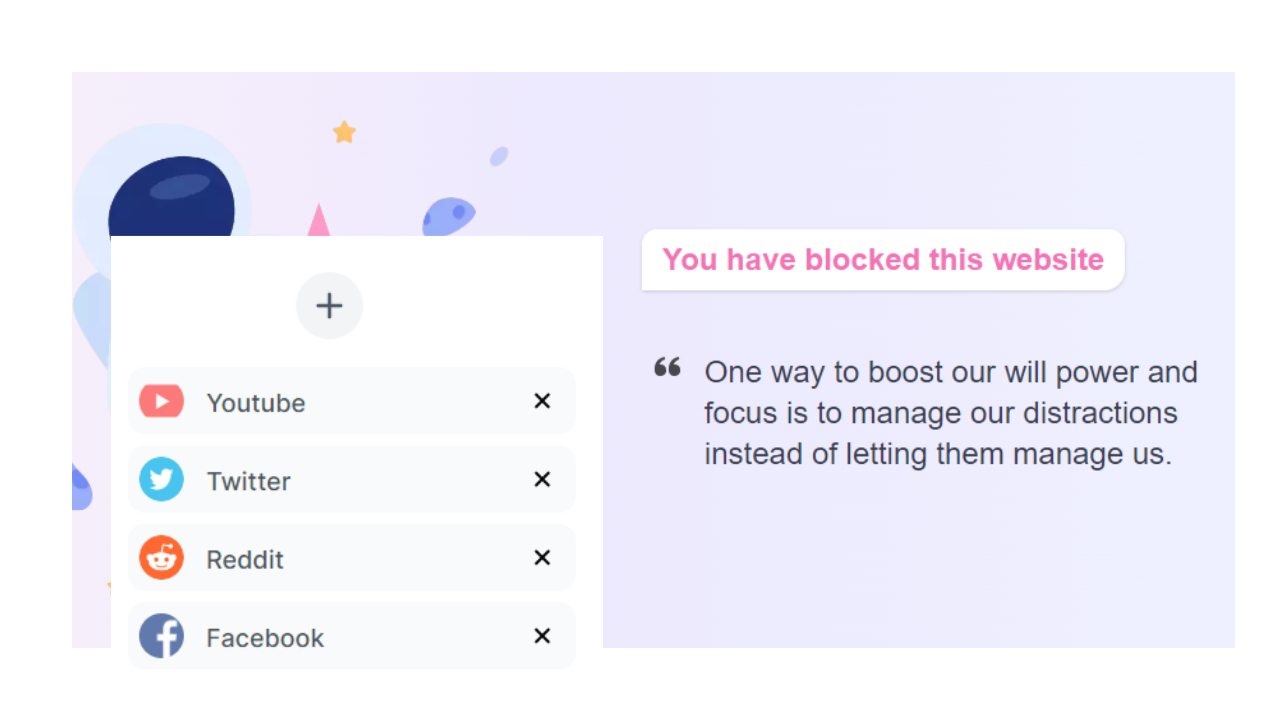
To help you be more mindful, now you can block websites that distract you so you can focus on your work/study. Just add those sites in the mindful tab and switch to mindful mode. Now every time you will visit that site, it will redirect you to the mindful page and remind you to focus.
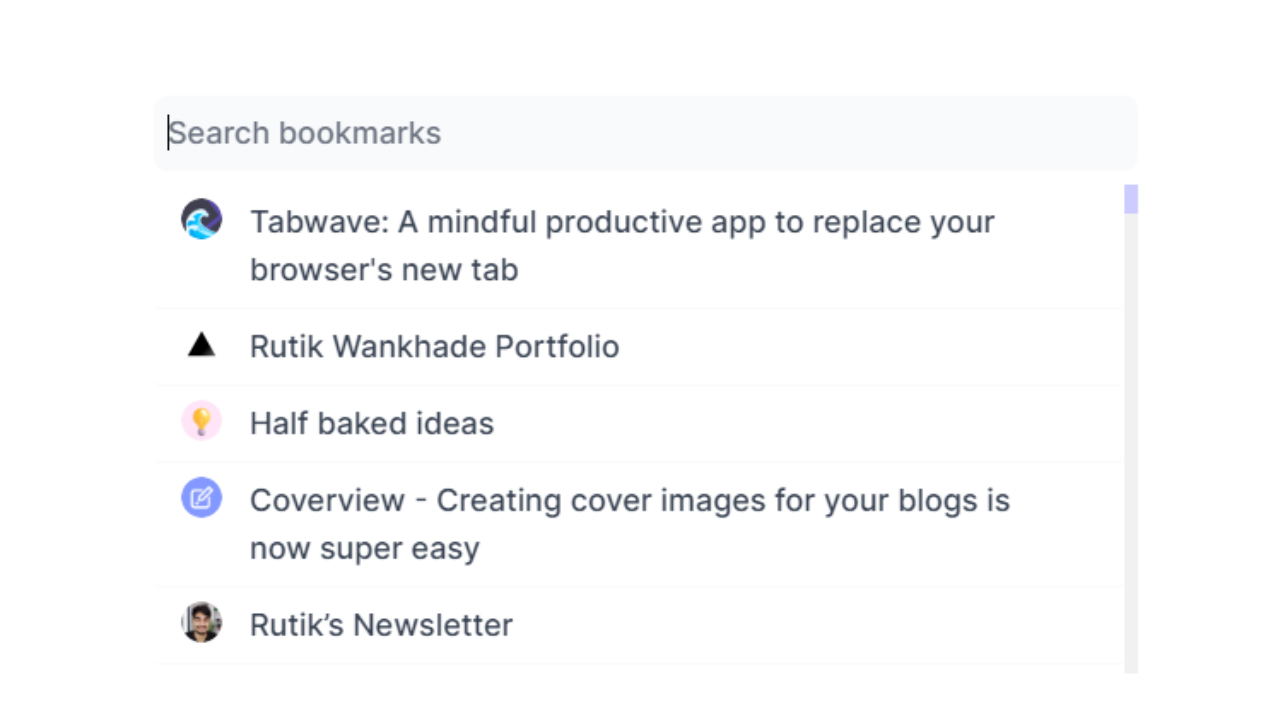
Bookmarks
Tabwave has now superpowers to make it a bit easier to access or search bookmarks with one click.
A better dark mode
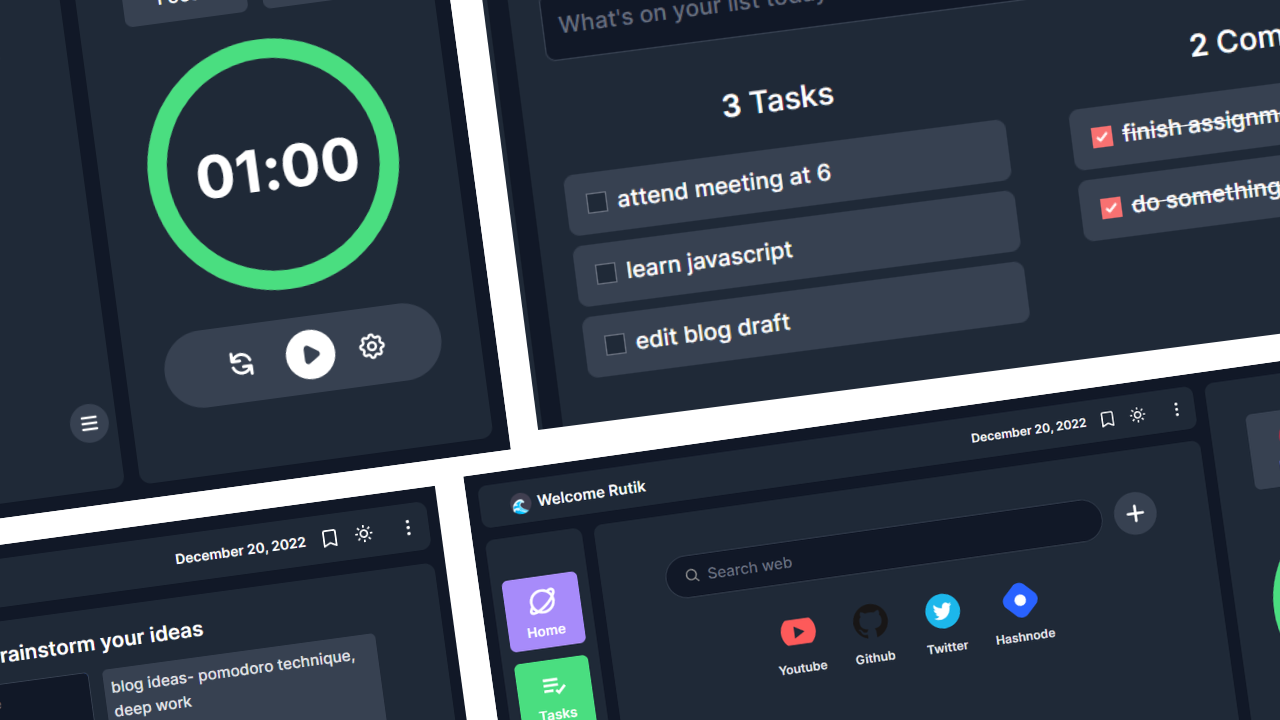
Also fixed a lot of bugs. The new Tabwave has a slick design, smooth animations, and cool features to help you be mindful and productive.
Note: If you had already installed tabwave before, it might have been disabled because of chrome’s new policy. You can go to chrome://extensions/ and enable it. or reinstall it to use the new version.
You can help me create Tabwave better
If you have any ideas or feature requests, you can submit them here or reach out to me on twitter I will closely listen to what the users want and try to make Tabwave as good as can.
If you loved this new version, I would really appreciate it if you could write a review on the chrome web store. That would mean the world to me.
Comments
Join the discussionNo comments yet. Be the first to comment.