Customized CSS: another reason to love Hashnode more

So a few days back I saw Sebastian Gale 's post where he talked about how he used customized CSS to give his blog a new look. But this feature was only available for hashnode ambassadors and I wasn't one yet. But thanks to Hashnode, I got assigned the ambassador role on Hashnode last week which means I get to access new cool features. Among all, Customized CSS was the one I was most excited about.
First of all Hashnode's UI is so good that I couldn't think of something I could change. But still, I spent some time and made a few little changes. Have a look around blog.rutikwankhade.dev
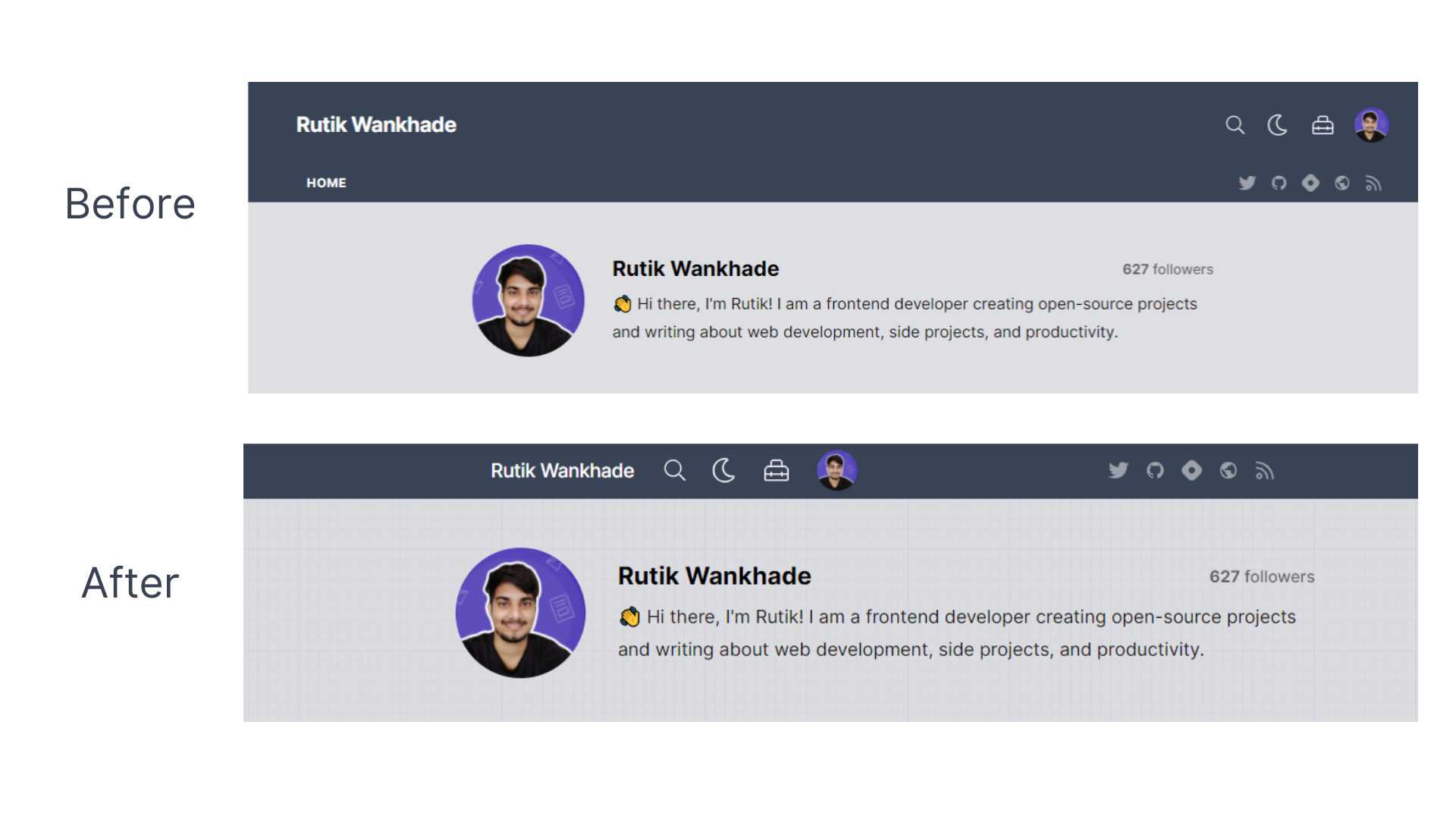
1. Header of the blog
I felt there was more space in the header that can be reduced. So I changed it and made it look like a navbar. Again this is my personal preference.
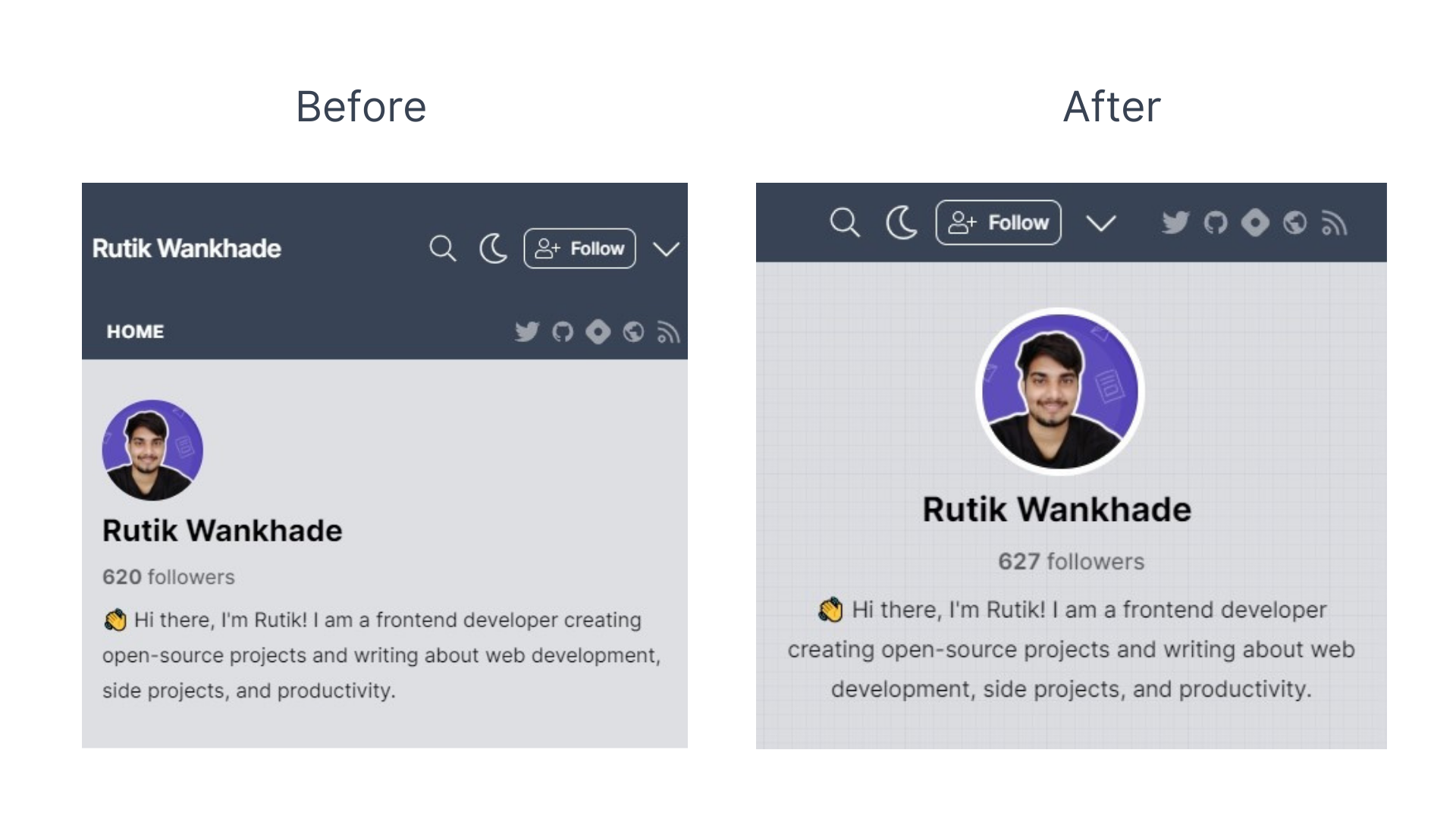
2. Centered everything in the author area
In mobile view, the elements in the author area were aligned left. So I made it centered. If you are changing a layout, be careful. There is a high chance you will mess with its responsiveness.
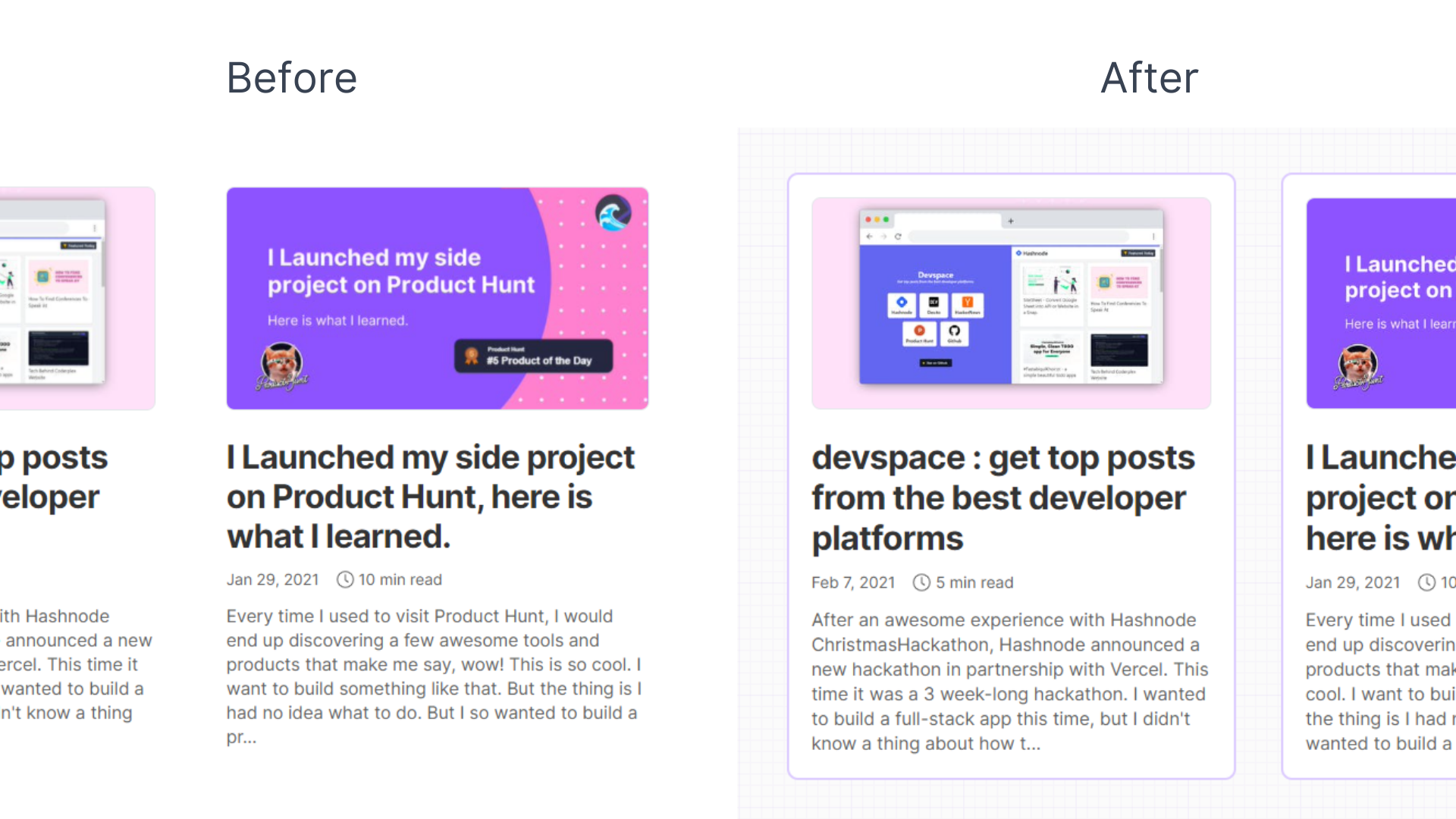
3. Blog cards and background texture.
This wasn't needed as the original UI is super clean but I did it to give it a unique look. While changing colors, don't forget to consider dark mode too.
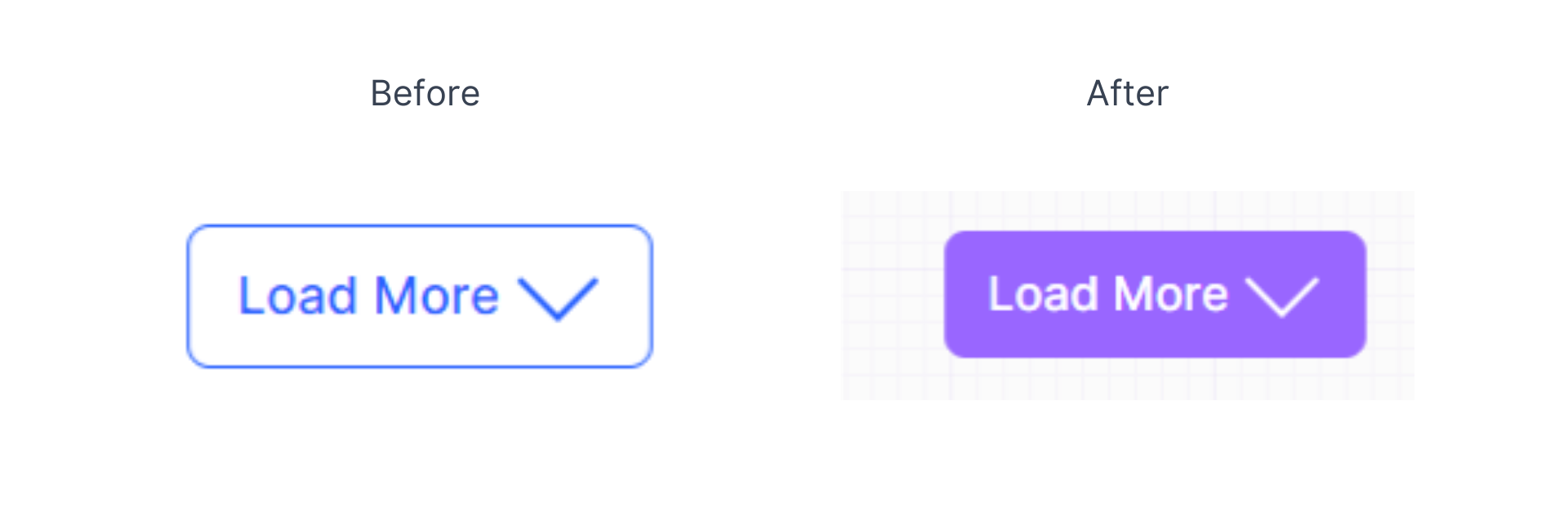
4. Styled load more button
Any shade of blue and I am in. I changed the color of the load more button to my favorite color.
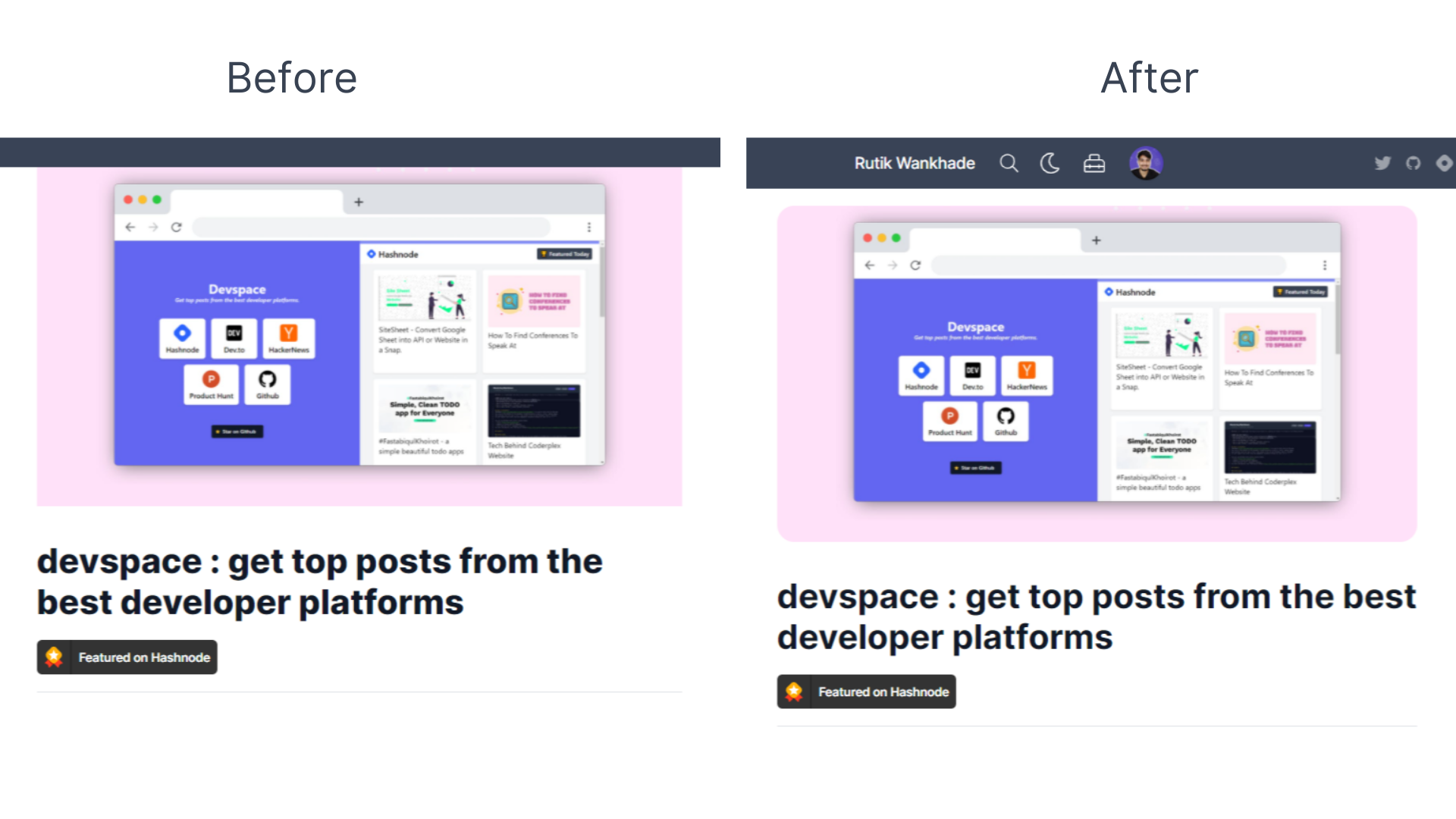
5. Rounded blog cover
Added border-radius to the blog cover and some margin to the top. Also, I reduced the font-weight of the title by 100 and reduced its font size on small screens.
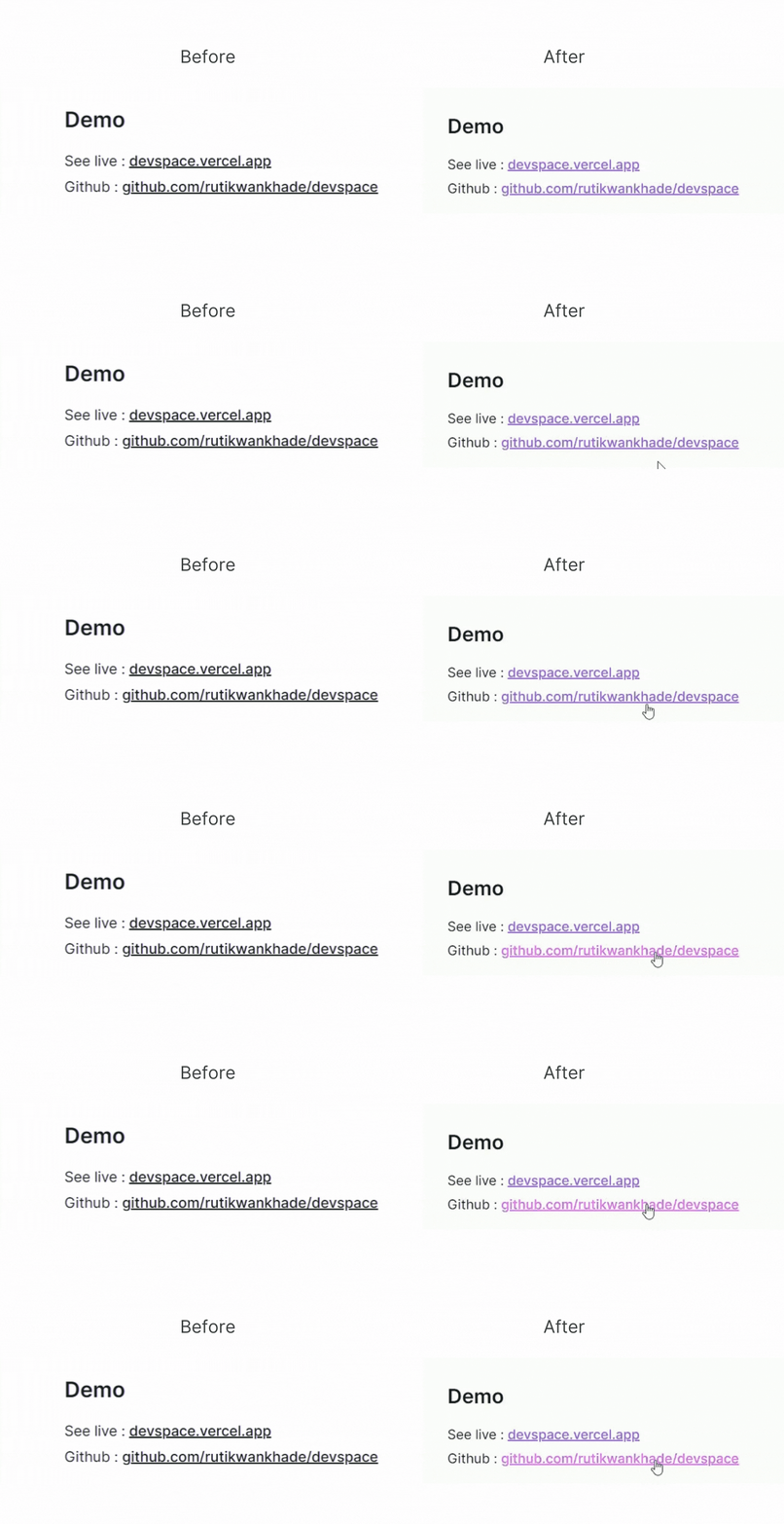
6. Cool colors for links.
This is inspired from Mohd Shad Mirza's blog. I really liked this one.
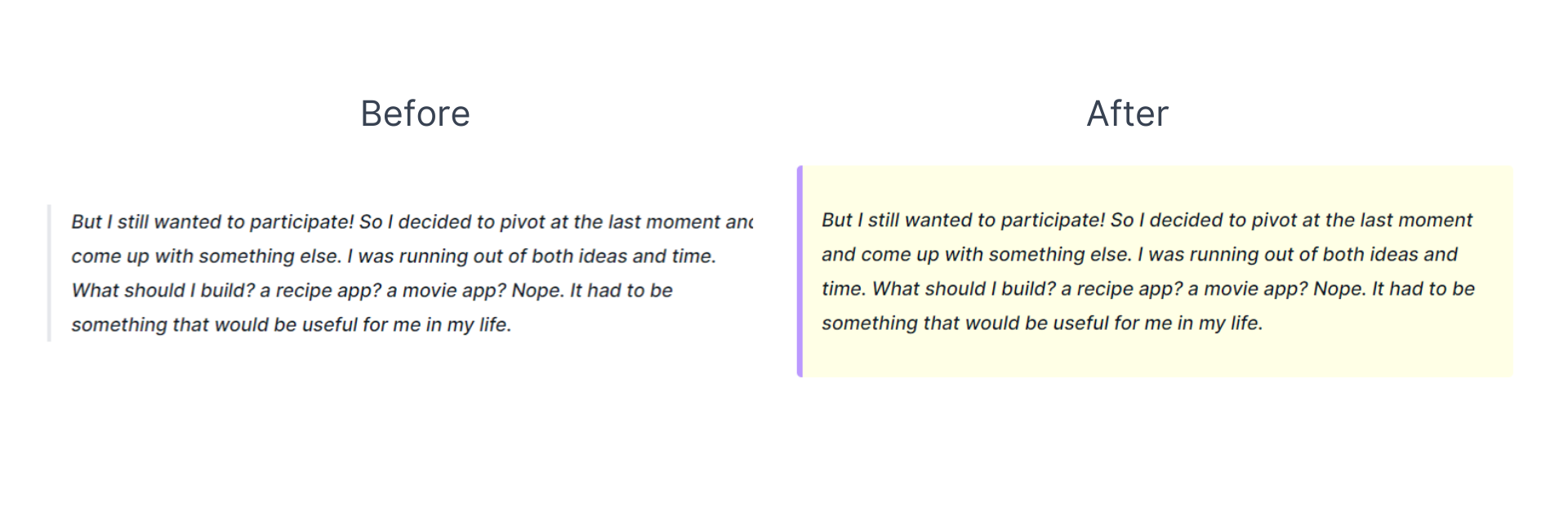
7. Styled Quotes
Why not add colors to the quotes, This has made the blog post more intuitive.
8. A little shadow on similar posts
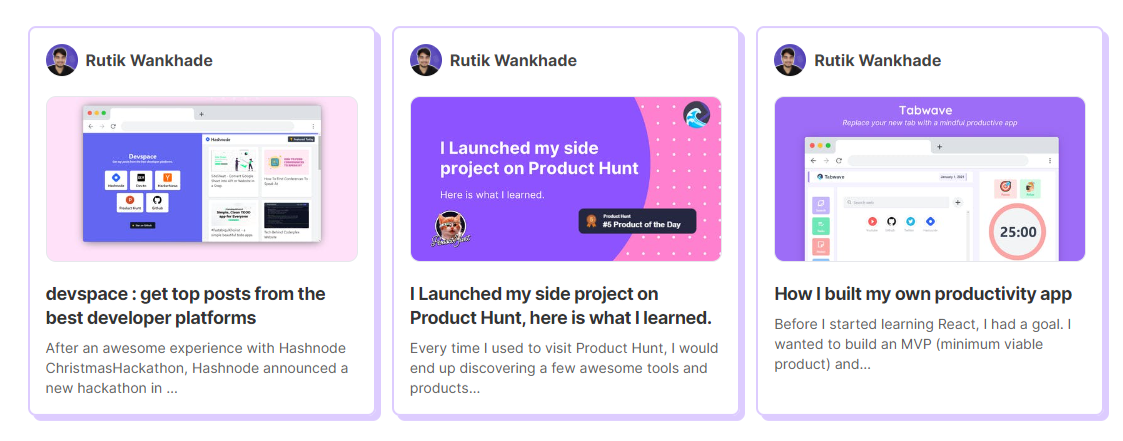
Now, it feels like my own personal blog. I do have a blog I made a long time ago with Gatsby. Setting it up wasn't easy. But now that I have more than I wished with Hashnode. I don't think I need it anymore.
I was going to share the code. But then I thought why not let you guys be a little creative and try by yourself. After all, it's just a few CSS rules applied to specific classes. By the way, it's only available for hashnode ambassadors. So if you are not, you might need to wait till it becomes public for everyone. Also, if someone from hashnode team is reading this, please let me know if I changed something I shouldn't.
✨ Here are a few customized blogs to check out.
- https://blog.sebastiangale.ca/ by Sebastian Gale
- https://lo-victoria.com/ by Victoria Lo
- https://catalins.tech/ by Catalin Pit
Also if you have tried this feature, drop your blogs below. I would love to check them out.
I keep writing about the things I learned and applied. So you can connect with me on Twitter, Github or Linkedin. Also, subscribe to my newsletter and stay up-to-date with my latest blog posts.
⚡ Happy learning!
Comments
Join the discussionAny chance you can share the CSS? :)
Simple, minimal, beautiful 💖
Thank you!🙌
thought provoking post. would you also consider migrating from substack considering hashnode offers a newsletter feature as well?
Yes, they do. But they don't provide the feature to send a custom newsletter yet. till then I have to rely on substack. Thanks.
I can say only one word....
"WOW"
😳
THANK YOU! 😊🙌
I really love the changes you've made 👍, I can't wait to get this feature.
Thank you so much! 🥳
Your blog looks amazing! Well done! 👏
Thank you so much Catalin Pit😊🙌
Those customizations look great! I really like the design choices! I need to work on customizing my blog so this provides some great inspiration.
Thank you Alyssa Holland. 🙌
Looks mint 😍. Just one thing... in the mobile layout there's no link in the nav which takes the user to your blog's homepage.
Thank you, Piyush 😊 Oops! How did I miss it? will fix it.